
Test page

GETBLOCK
December 1, 2025
1 min read
Connecting your app to a blockchain node takes about two minutes with GetBlock. This guide walks through the basics. For a full reference, visit the GetBlock documentation.
What you'll need
Connecting your app to a blockchain node takes about two minutes with GetBlock. This guide walks through the basics. For a full reference, visit the GetBlock documentation. Before you start, make sure you have a free GetBlock account. No credit card required — the free plan includes 2 free access points across all supported chains.
Setup Steps
Follow these steps:
- Log in and open your GetBlock dashboard
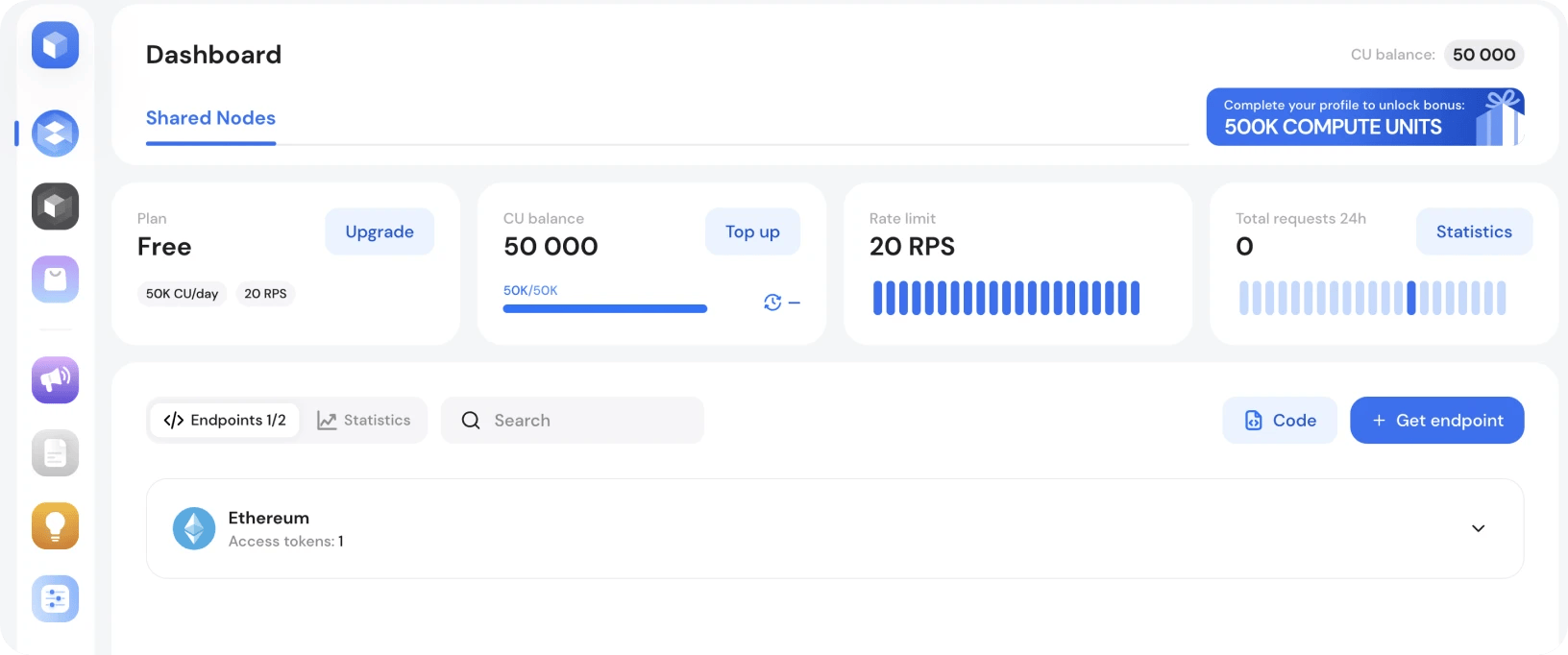
- Click Get Endpoint to open the configurator
- Select your blockchain, network, and node mode
- Copy your RPC URL — it has your access token embedded
Supported API Interfaces
Depending on the chain, your endpoint may support:
- JSON-RPC — standard for most EVM chains
- WebSocket — for subscriptions and real-time data
- GraphQL — available on select chains
- gRPC — for high-performance use cases
Old h2 slice for comparison
test text in old slice
Chain | Network | Interface |
|---|---|---|
Ethereum | Mainnet | JSON-RPC, WebSocket |
Solana | Mainnet | JSON-RPC, gRPC |
BSC | Testnet | JSON-RPC |
Base | Mainnet | JSON-RPC, WebSocket |
<h2> Example Request
1
2
3
4
curl https://go.getblock.io/YOUR_ACCESS_TOKEN/ \
  -X POST \
  -H "Content-Type: application/json" \
  -d '{"jsonrpc":"2.0","method":"eth_blockNumber","params":[],"id":1}'


Popular Posts

June 9, 2021
4 min read

November 9, 2021
5 min read

May 24, 2022
5 min read

March 18, 2021
4 min read


